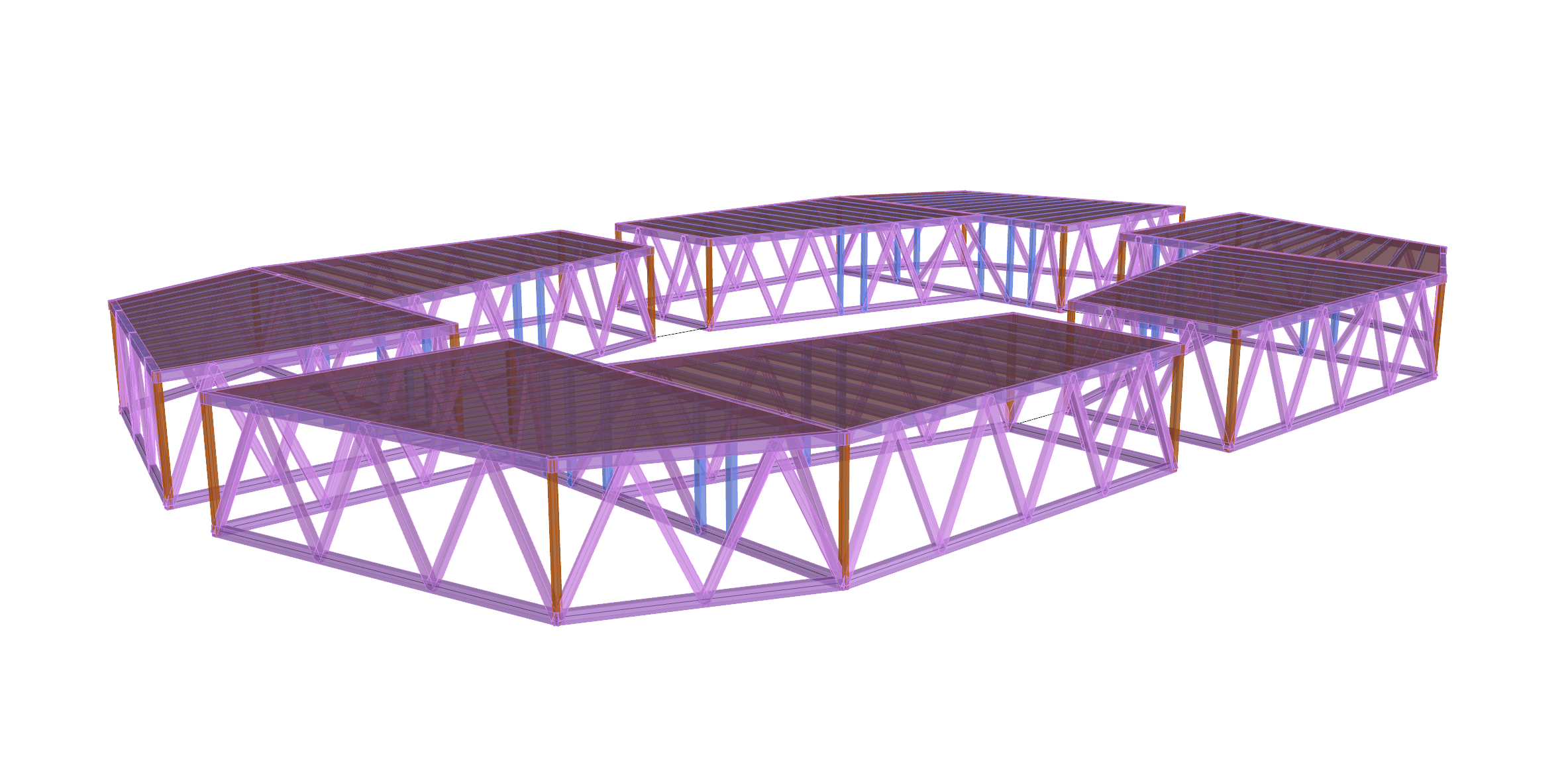
Welcome to AR-327 !!
Today's learning objectives:
- Learn to create simple 3d geometries (boxes, bounding boxes, and cylinders)
- Learn to use their methods and properties
Boxes
How would you define a box ?
Boxes
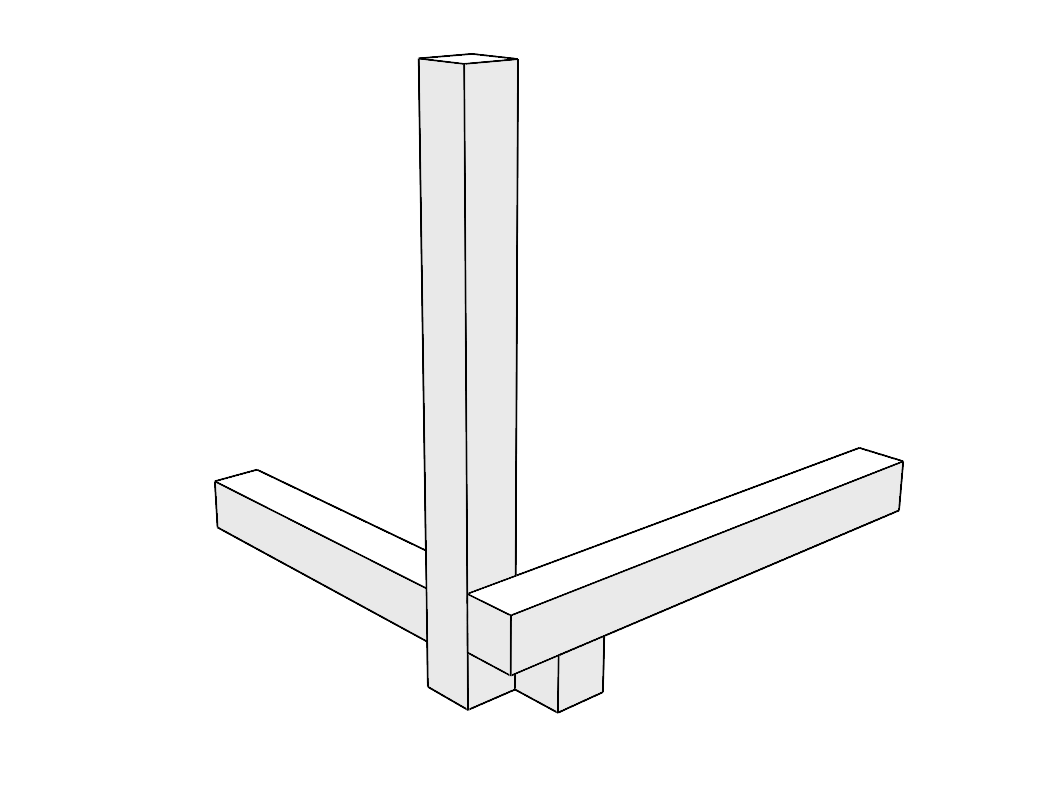
- Boxes have 6 faces all perpendicular to their adjacent faces
- Boxes have a length, width, height
Boxes
And in code ?
            my_plane = Rhino.Geometry.Plane(1, 1, 1, 0)
            x_interval = Rhino.Geometry.Interval(0, 10)
            y_interval = Rhino.Geometry.Interval(0, 10)
            z_interval = Rhino.Geometry.Interval(0, 10)

            my_box = Rhino.Geometry.Box(my_plane,
	                                    x_interval,
	                                    y_interval,
	                                    z_interval)
Boxes
And in code ?
            my_plane = Rhino.Geometry.Plane(1, 1, 1, 0)
            x_interval = Rhino.Geometry.Interval(0, 10)
            y_interval = Rhino.Geometry.Interval(0, 10)
            z_interval = Rhino.Geometry.Interval(0, 10)
            """
            A Rhino.Geometry.Interval ?
            interval from -2 to 3:
                 /*********\
                     0 1 2
            -|-|-|-|-|-|-|-|-|-|-|
            """

            my_box = Rhino.Geometry.Box(my_plane,
	                                    x_interval,
	                                    y_interval,
	                                    z_interval)
Boxes: Properties
            volume = my_box.Volume

            area = my_box.Area

            base_plane = my_box.Plane
Boxes: Methods
            # Checking is a point is inside a Box
            point_a = Rhino.Geometry.Point3d(0, 0, 0)
            point_a_is_in_box = my_box.Contains(point_a)

            # Getting the corner points of a box
            corner_pts = my_box.GetCorners()

            # extend a box so that it contains a point
            point_a = Rhino.Geometry.Point3d(20, 20, 20)
            point_a_is_in_box = my_box.Contains(point_a)
            if point_a_is_in_box == False:
                my_box.Union(point_a)
Small exercice on boxes (30 min)
In the website, go to the box page and solve the first exercice
Bounding boxes
What is a bounding box ?
Bounding boxes
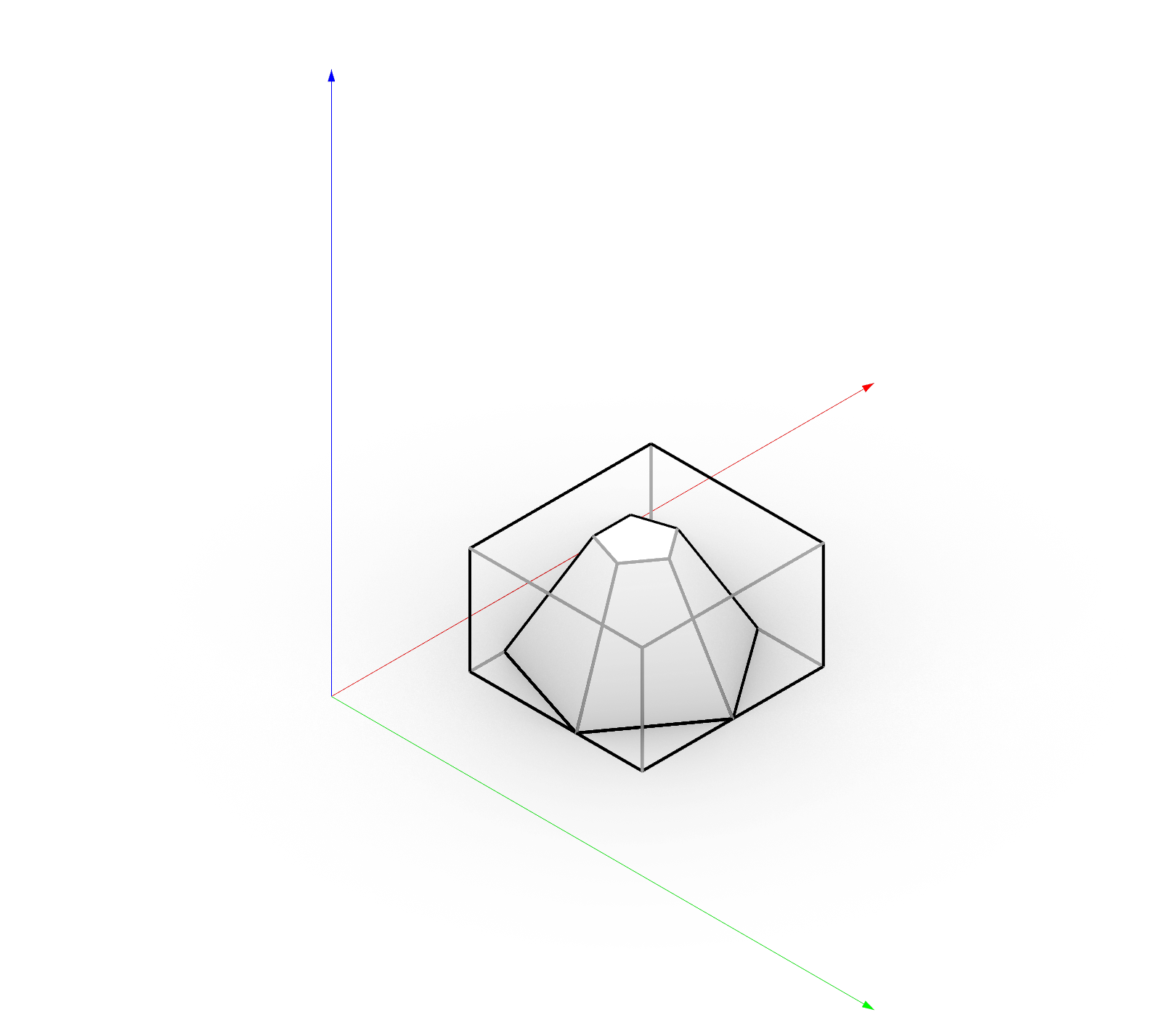 The bounding box of a geometry (or set of geometries) is the smallest “virtual” box that contains the geometry (or set of geometries).
It cannot be drawn in Rhino directly, unless it is converted into a box
The bounding box of a geometry (or set of geometries) is the smallest “virtual” box that contains the geometry (or set of geometries).
It cannot be drawn in Rhino directly, unless it is converted into a box
Bounding boxes
And in code ?
            # First construction method
            my_curve = …
            my_bb = my_curve.GetBoundingBox(accurate=False)

            # Second construction method
            pt_1 = Rhino.Geometry.Point3d(0, 0, 0)
            pt_2 = Rhino.Geometry.Point3d(3, 2, 1)
            my_bb = Rhino.Geometry.BoundingBox([pt_1, pt_2])
Bounding boxes
Attributes
            my_bbox_center = my_bbox.Center

            my_bbox_max = my_bbox.Max

            my_bbox_min = my_bbox.Min

            my_bbox_volume = my_bbox.Volume
Bounding boxes
Methods
            test_point = Rhino.Geometry.Point3d(0, 0, 0)

            is_point_inside_bbox = my_bbox.Contains(test_point, strict= False)
Bounding boxes
Why is it useful ?
- Define simplified “position” of complex geometries
- Find closest geometries
- Verify if an object can fit inside another
- Verify risk of collision
Cylinders
What is a cylinder ?
Cylinders
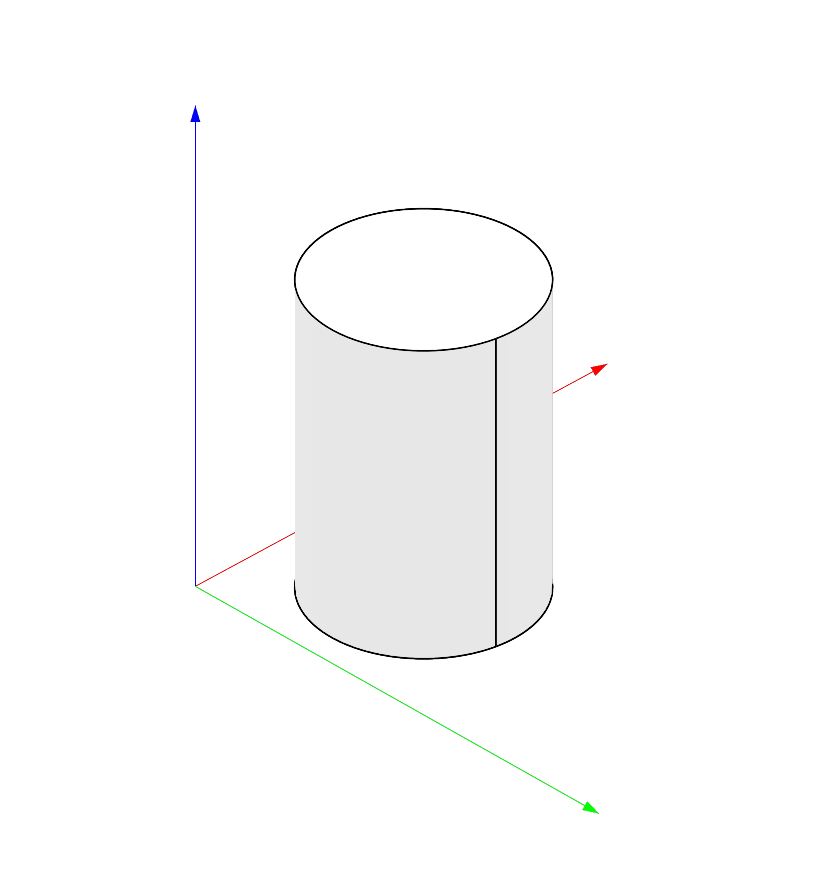
- are made of a surface that is at a constant distance from an axis
- and potentially a top and bottom
Cylinders
And in code ?
            my_circle = Rhino.Geometry.Circle(2)

            height = 5
            my_cylinder = Rhino.Geometry.Cylinder(my_circle, height)
Cylinders
Properties
            cylinder_axis = my_cylinder.Axis

            cylinder_base_plane = my_cylinder.BasePlane

            cylinder_radius = my_cylinder.Radius
Cylinders
And in code ?
            import math
            my_line = my_cylinder.LineAt(math.pi/2)

            my_nurbs_cylinder = my_cylinder.ToNurbsSurface()
Small exercice on cylinders (30 min)
In the website, go to the cylinders page and solve the first exercice
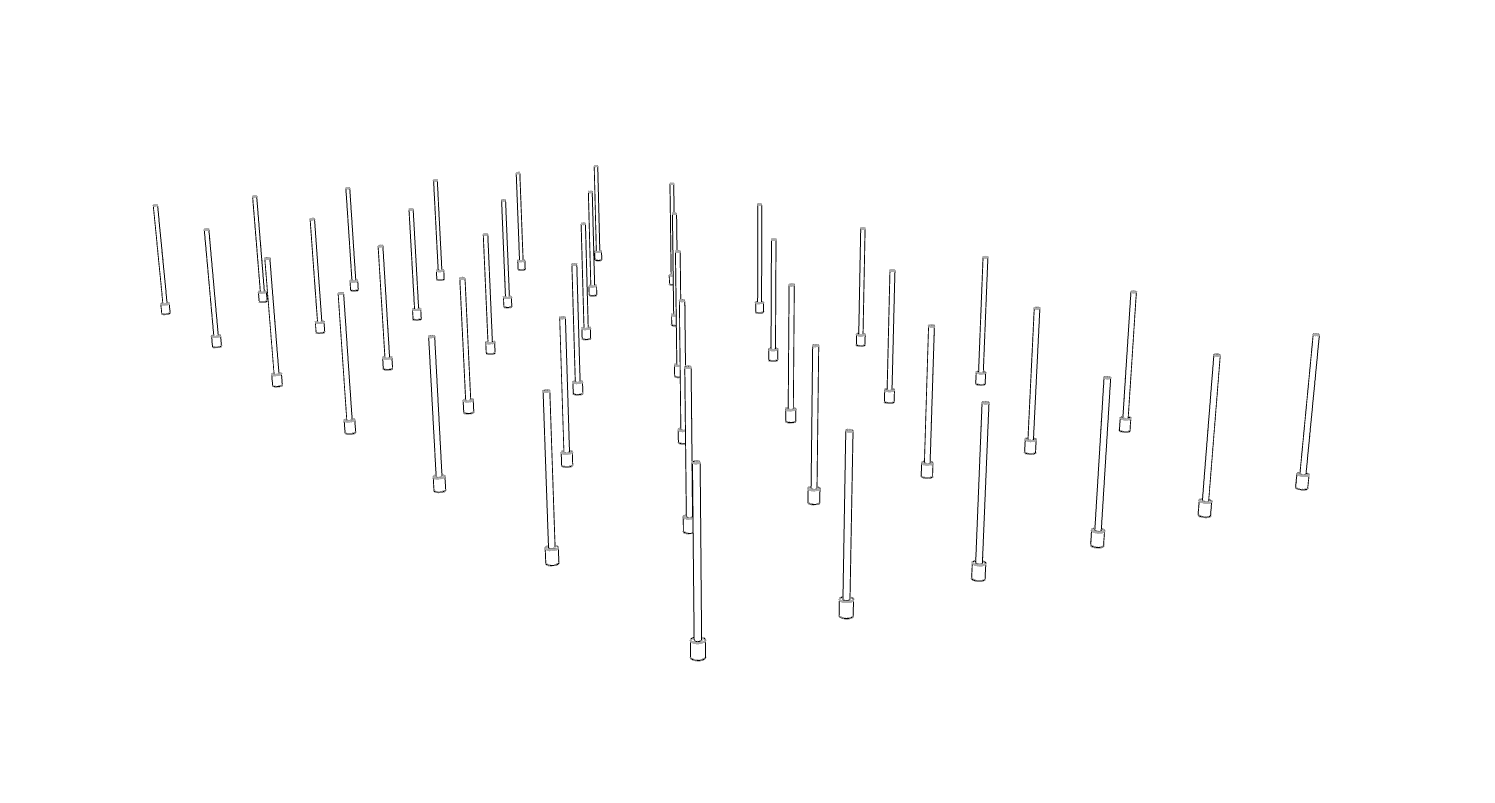
Second-to-last assignment:
Now we will add 3d volumes to our building ! (and last assignment at the end of the semester will be to create the joints in it)