Welcome to AR-327 !!
Today's learning objectives:
- Get familiar with the RhinoCommon API
- Create simple geometries such as points and lines
- Get confident in using the inherent methods and properties of these objects
Introduction
Introduction
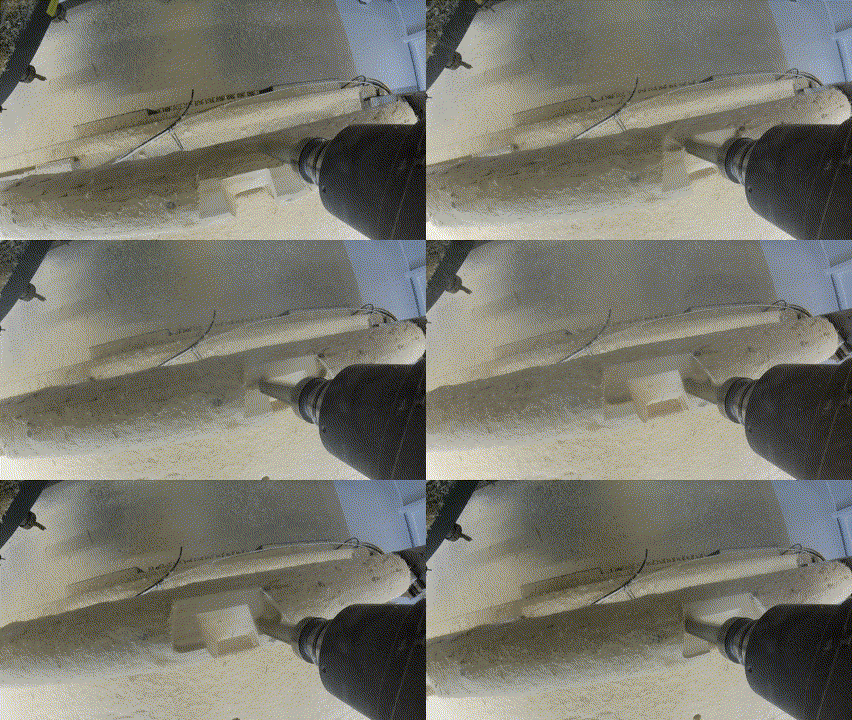
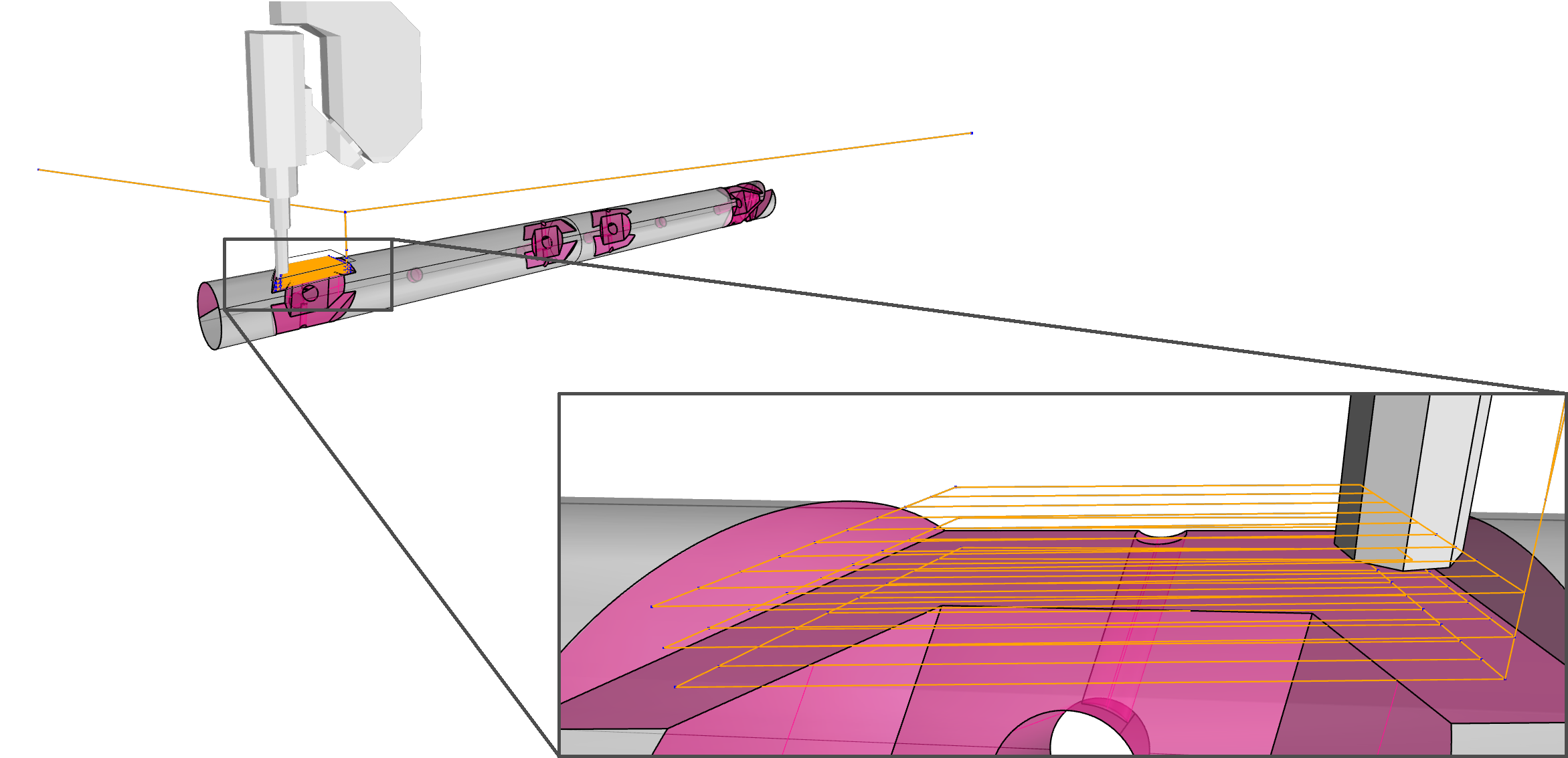
Today we will learn how to create basic geometry objects in python. To structure today's lecture, we will follow the example of CNC toolpath generation.
Introduction
Today we will learn how to create basic geometry objects in python. To structure today's lecture, we will follow the example of CNC toolpath generation.
Introduction
We will have 3 in-class exercices:
- Create points in a reference plane
- Create lines between the reference points
- Create a polyline as toolpath
Points
Points
How would you define a point in 3D?Points
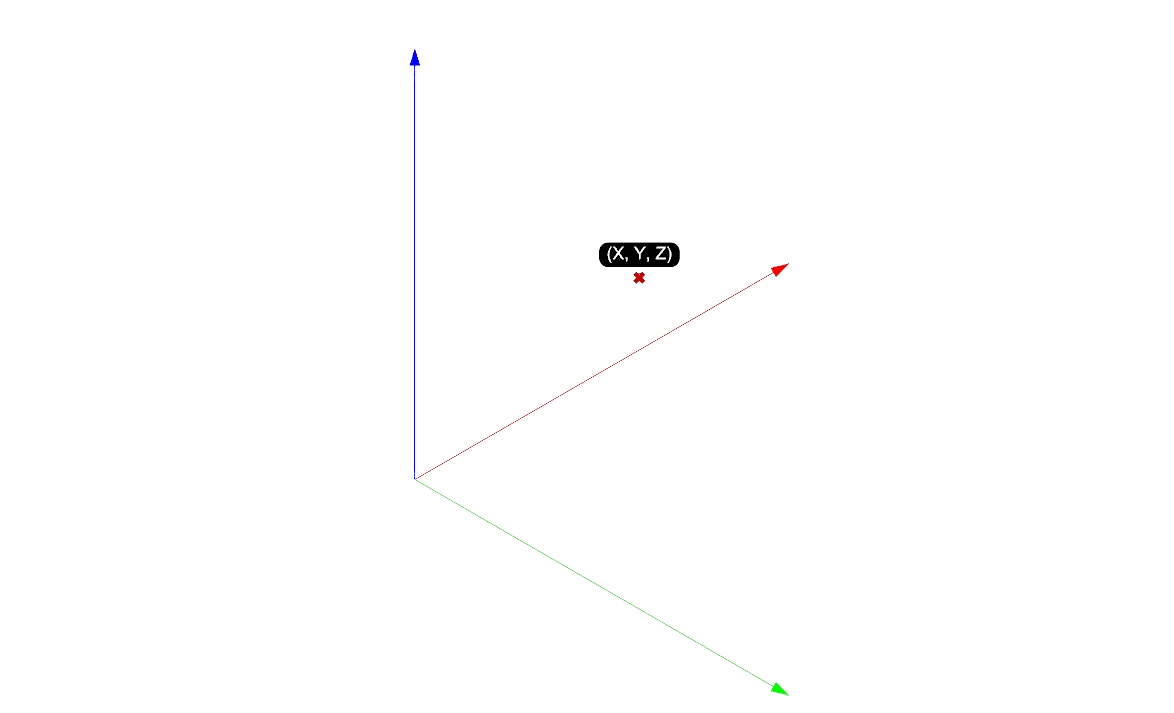
Points are defined by 3 coordinates: x, y, zThey have no direction, no side or orientation
Points
And in code ?Points
And in code ?
            import Rhino

            x = 3
            y = 6
            z = 0

            my_point = Rhino.Geometry.Point3d(x, y, z)
Points:
a few properties
            import Rhino

            my_point = Rhino.Geometry.Point3d(3, 6,0)

            x = my_point.X # The X property returns the x coordinate of the object of class Point3d
            y = my_point.Y
            z = my_point.Z
Points:
a method
            import Rhino

            p1 = Rhino.Geometry.Point3d(3, 6, 0)
            p2 = Rhino.Geometry.Point3d(2, 1, 6)

            distance = p2.DistanceTo(p1)
Points:
a few operators
            import Rhino

            # addition, substration, multiplication and division are supported
            p3 = p1 + p2
            p3 = -p2
            p3 = 2*p1
            p3 = p1/10
Points:
a few operators
            import Rhino

            # addition, substration, multiplication and division are supported
            p3 = p1 + p2
            p3 = -p2
            p3 = 2*p1
            p3 = p1/10
Please note that the python interpreter will not know by default what "p1 + p2" means. Rhino developpers have defined themselves what the operation "p1 + p2" should generate
Vectors
Vectors
How would you define a vector ?Vectors
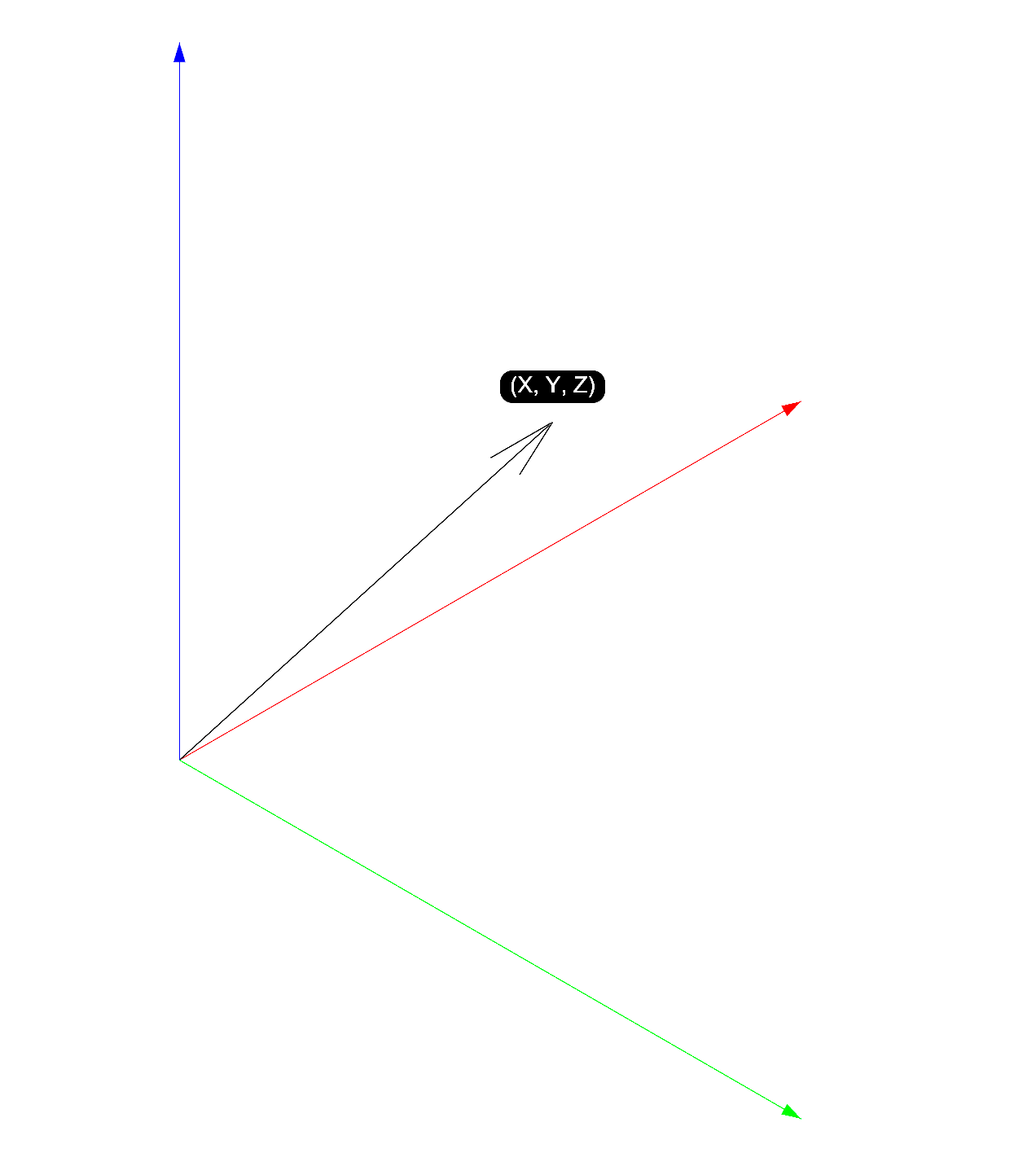
Vectors are abstract geometriesThey are composed of a magnitude and direction:
Vector
And in code ?Vector
And in code ?
            import Rhino

            my_vector = Rhino.Geometry.Vector3d(1, 2, 3)
Vector
a few properties
            import Rhino

            my_vector = Rhino.Geometry.Vector3d(1, 2, 3)

            vector_length = my_vector.Length

            x_coord = my_vector.X

            is_unit = my_vector.IsUnitVector
Vector
a few methods
            import Rhino
            TOL = Rhino.RhinoDoc.ActiveDoc.ModelAbsoluteTolerance

            v1 = Rhino.Geometry.Vector3d(1, 2, 3)
            v2 = Rhino.Geometry.Vector3d(0, 1, 1)

            v3 = Rhino.Geometry.Vector3d.CrossProduct(v1, v2)

            is_para = v2.IsParallelTo(v1, TOL)

            v1.Unitize()
Planes
Planes
How would you define planes ?Planes
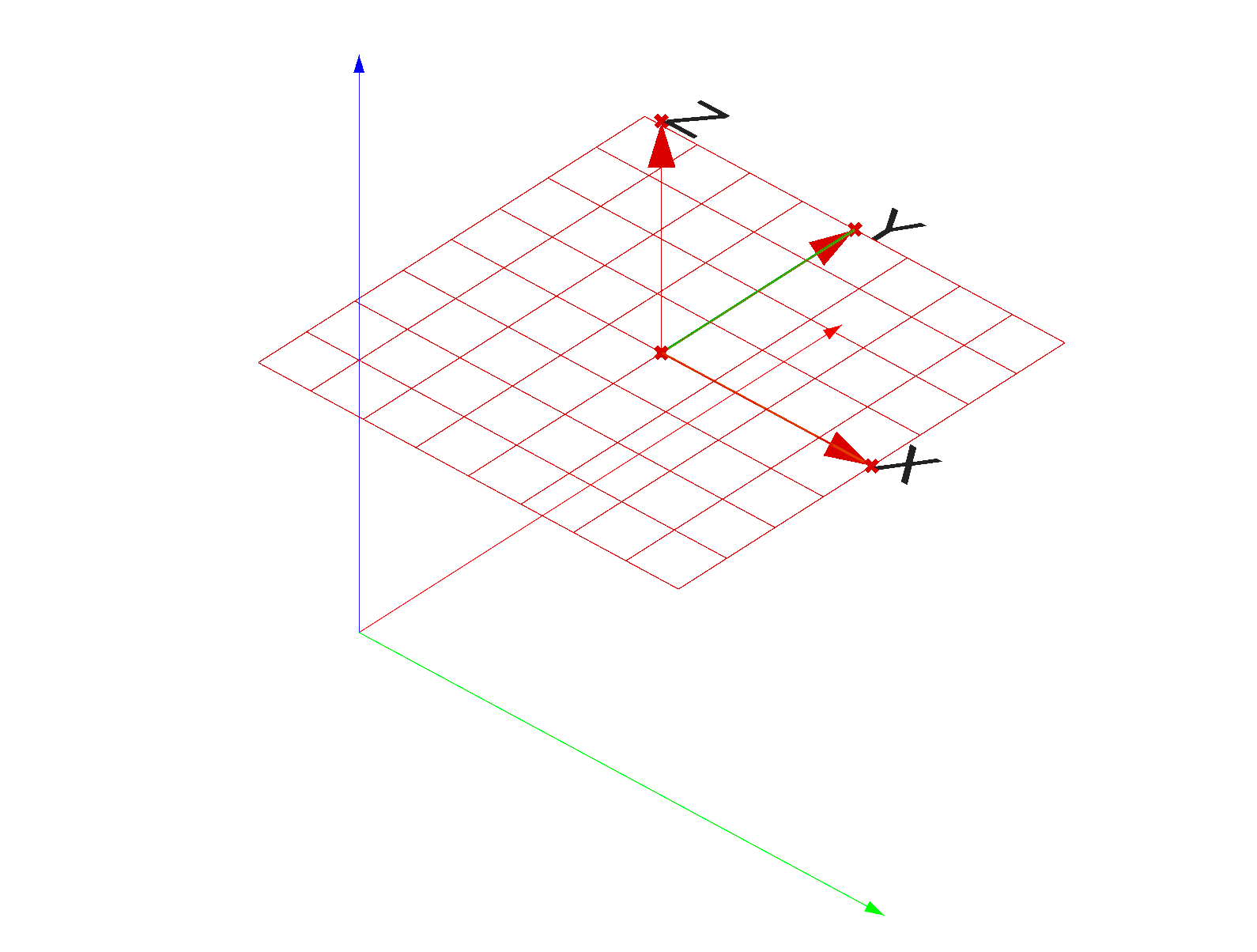
Planes are abstract geometriesPlanes are composed of an origin and a set of x, y, and z axes
Planes
And in code ?
Planes
And in code ?
            import Rhino

            origin = Rhino.Geometry.Point3d(1, 1, 1)
            normal = Rhino.Geometry.Vector3d(0, 0, 1)

            # One way of creating a plane, among many other
            my_plane = Rhino.Geometry.Plane(origin, normal)
Planes
And in code ?
            import Rhino

            horizontal_plane = Rhino.Geometry.Plane.WorldXY
Planes
A few properties
            # simply retrieve the normal (z axis) and origin of the plane
            plane_normal = my_plane.Normal
            plane_origin = my_plane.Origin
Planes
A few methods
            u = 1
            v = 3
            w = 2

            pt = my_plane.PointAt(u, v, w)

            my_plane.Flip()
Exercice on planes (10 mins):
Go to the website's page on Planes and solve the the second exercie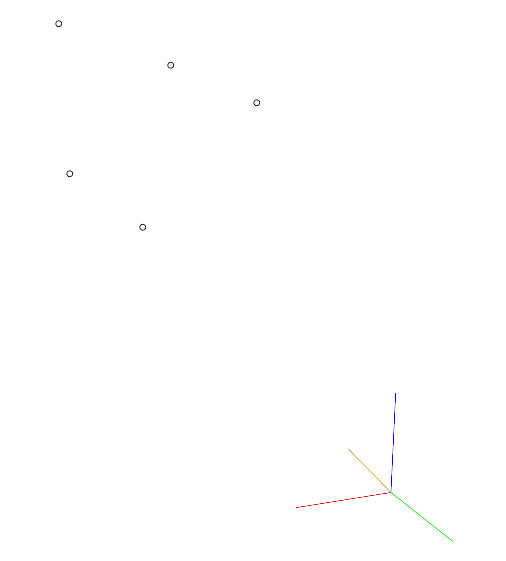
Lines
Lines
How would you define a line ?Lines
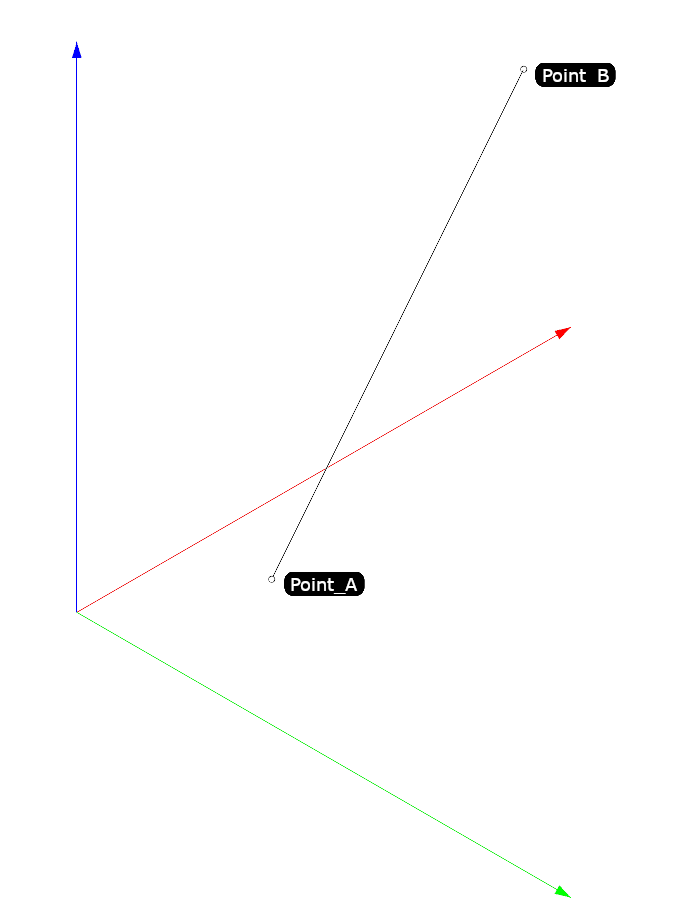
Lines have a start point and an end pointLines have a length and a direction
Lines
And in code ?Lines
And in code ?
            import Rhino

            p1 = Rhino.Geometry.Point3d(0, 0, 0)
            p2 = Rhino.Geometry.Point3d(1, 1, 1)
            my_line = Rhino.Geometry.Line(p1, p2)
Lines
A few properties:
            direction_vector = my_line.Direction

            start_point = my_line.From

            end_point = my_line.To
Lines
A few methods:
            my_line.Extend(1,2)

            my_line.Flip()

            my_point = my_line.PointAt(0.5)
            my_point = my_line.PointAtLength(4.5)
Exercice on lines (10 mins):
Go to the website's page on Planes and solve the the first exercie
Polylines
Polylines
How would you define a polyline ?Polylines
Polylines are a succession of interconnected lines: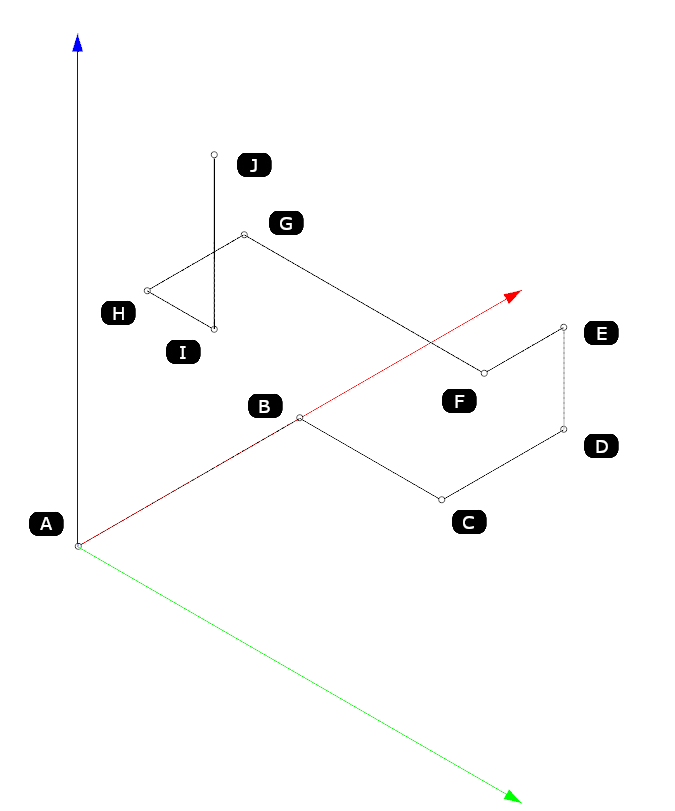
Polylines
And in code ?
            import Rhino

            # Creating a list of points.
            pts = [Rhino.Geometry.Point3d(0, 0, 0),
                Rhino.Geometry.Point3d(1, 0, 0),
                Rhino.Geometry.Point3d(0, 2, 0)]

            my_polyline = Rhino.Geometry.Polyline(pts)
Polylines
A few properties
            is_closed = my_polyline.IsClosed

            n_segments = my_polyline.SegmentCount

            length = my_polyline.Length
Polylines
A few methods
            center_point = my_polyline.CenterPoint()

            length_parameter = 5 + 0.5
            mid_point_of_fifth_segment = my_polyline.PointAt(length_parameter)
Exercice on polylines (10 mins):
Go to the website's page on Planes and solve the the first exercice. You will need the accompanying 3dm file